GET EXTRA 200GB TO STREAM, SCROLL, GAME & MORE!
Get UNI5G Postpaid 39 online!

FIND THE BEST UNLIMITED POSTPAID PLAN FOR YOU
Enjoy an unlimited postpaid plan experience for you and your family with the best mobile postpaid plan in Malaysia.
Explore our wide range of mobile plans tailored to suit every need, ensuring seamless connectivity wherever you go.
UNI5G Postpaid 39
What's included
- No contract

- Unlimited Calls

- RM0.15 per SMS

- Hotspot available (up to 30GB)

with 100GB 5G and 100GB 4G/5G data add-on
UNI5G Postpaid 69
What's included
- No contract
- Unlimited Calls
- RM0.15 per SMS
- Hotspot available (up to 60GB)
Optional Bundle:
 Netflix Basic
UNI5G Postpaid 99
What's included
- No contract
- Unlimited Calls
- RM0.15 per SMS
- Hotspot available (up to 100GB)
Optional Bundle:
Netflix Basic
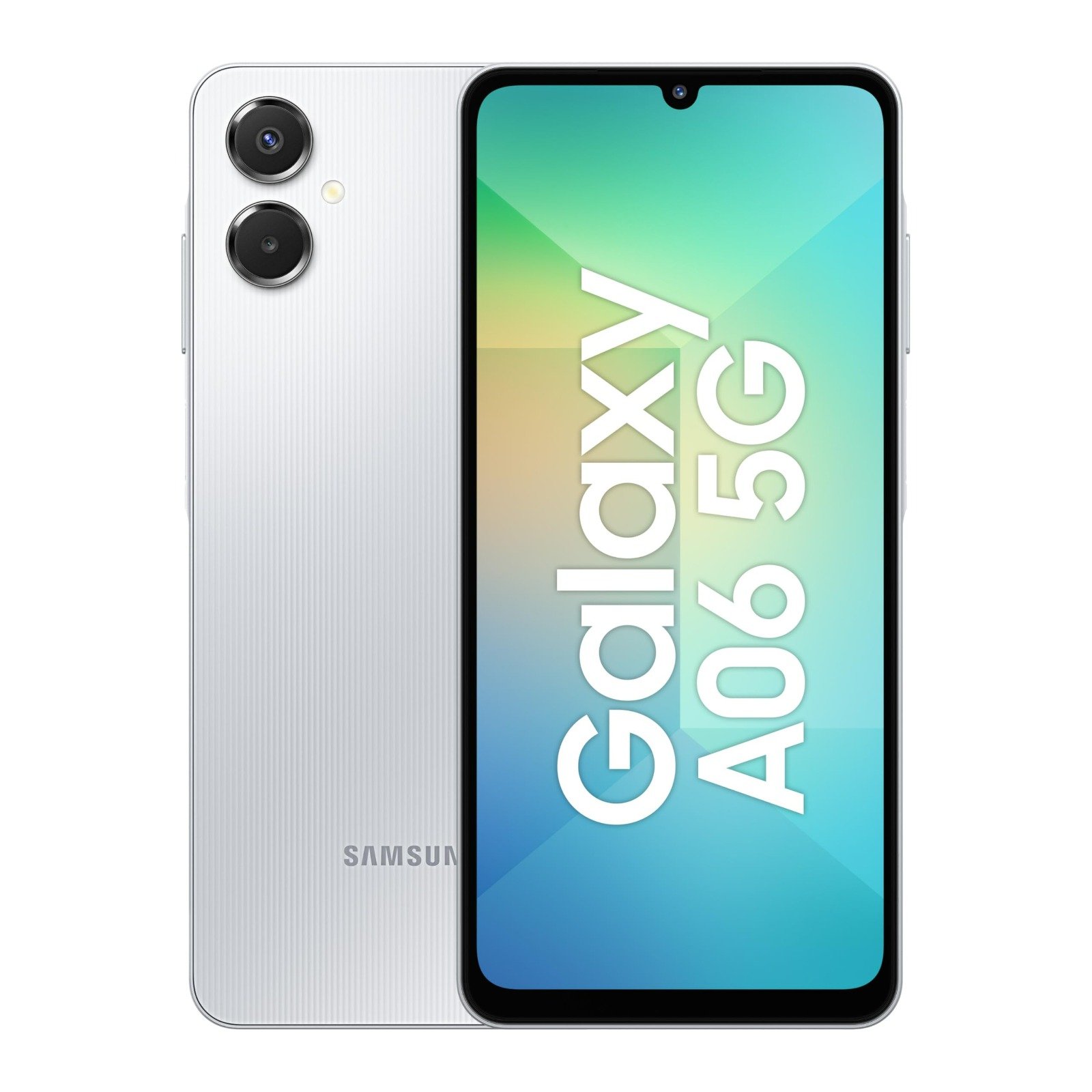
Get Your 5G Smartphone For FREE With UNI5G Postpaid Plan!
Upgrade today and enjoy unlimited 5G data along with the latest devices at RM0 upfront.
Chat With UsWHY POSTPAID USERS CHOOSE
UNI5G POSTPAID MOBILE PLANS
Experience the freedom of Unifi’s UNI5G postpaid plans, designed to meet every need with high-speed connectivity and unbeatable value.

Stay Connected Anywhere
Our mobile postpaid plan offers postpaid unlimited data and the widest coverage to keep you connected at all times.

Easy Switch
Switching to our postpaid plan is simple, free, and gives you the freedom to choose the best option for your needs.

Family Plans
We offer affordable postpaid plans designed for family use, ensuring everyone stays connected with unlimited data.

Stay Connected Abroad
Travel globally with peace of mind, using our mobile postpaid plan that offers unlimited data without hidden fees.
FREQUENTLY ASKED QUESTIONS
UNI5G Postpaid Supplementary 39 is only applicable for the Family Plans.
- To activate iMessage & Facetime:
Go to Settings > Select Message or Facetime > Enable iMessage or Facetime toggle function > Click OK on the message prompt.
It is highly recommended that you activate iMessage and Facetime services by using your Apple ID.
- To enable Personal Hotspot on your iPhone:
- Go to Settings > Mobile Service > Mobile Data Network.
- Under Personal Hotspot, enter ‘unifi’ in the APN & Username fields (leave Password blank).
- Return to Mobile Service settings and tap Personal Hotspot and switch on Allow Others to Join.
You're all set to share your internet! If Personal Hotspot doesn’t appear, try restarting your phone and checking your APN settings again.